TOTAL VOLUME:
$152.4b
24H VOL:
$170,491,747
24H TRANSACTIONS:
2,927,407,401
OPEN INTEREST:
$1,802,409,459
448,418
Markets across
39,375
events
MATCHED EVENTS:
4,311
PLATFORM COVERAGE:
5
Polymarket:
38%
VS.
Kalshi:
62%
Kalshi App: How to Download, Fund and Place a Trade
The Kalshi app is a free download for iPhone and Android. Here is how to install it, verify your ID in the app, and place a quick or limit order.

Jared Polites
Oct 25, 2026
TL;DR
- The Kalshi app is a free download for iPhone and Android. The App Store listing is from KALSHI INC., is rated 18+ and requires iOS 15.0 or later.
- You verify your ID inside the app. Kalshi says you must take a live photo of your physical ID directly through the app, and photos of a screen or camera roll uploads are not accepted.
- You can place a quick order, which buys at the best available price, or a limit order, which buys at your price or better. Contracts cost between 1 cent and 99 cents and can be sold anytime, according to the App Store listing.
- Kalshi is a CFTC-regulated exchange, and its app is one place to see prediction market data. Compare it with other platforms before you rely on one price.
Wondering how the Kalshi app works before you download it? It is a free app where you trade Yes or No event contracts, and you can have it installed and verified in one sitting.
This guide covers where to get it, what the sign-up check requires, and how to place your first order. For everything else about the platform, see our full explainer on what Kalshi is.
What Is the Kalshi App?
The Kalshi app is the mobile way to trade on Kalshi, a CFTC-regulated exchange for event contracts. Each contract asks a yes or no question, and the App Store listing says contracts cost between 1 cent and 99 cents and can be sold anytime.
The App Store describes Kalshi as federally regulated as a Designated Contract Market by the Commodity Futures Trading Commission. You do not trade against a bookmaker. You trade against other users.
The app is where you verify your identity, add funds, browse markets and place orders.
How Do You Download the Kalshi App?
Search for "Kalshi" in the Apple App Store or Google Play and install the free app. On iPhone, the listing shows the seller as KALSHI INC. and says it requires iOS 15.0 or later. The app is rated 18+.
Confirm the seller name before you install. The stores have shown the app under several names over time, including "Kalshi: Trade Football & more", so rely on the developer and the Kalshi name, not an exact title.
You can also start from Kalshi's sign-up page. If you would rather start there, Kalshi lets you create an account on the web and continue in the app.
How Do You Sign Up and Verify Your ID in the App?
You must be 18 or older, and Kalshi may ask you to pass a document check. It asks for a valid photo ID, such as a driver's license or passport, and your typed name and date of birth must match the ID exactly.
The ID photo is taken in the app. Kalshi says you must take a live photo of your physical ID directly through the app, and it does not accept camera roll uploads or photos of a screen. Commercial addresses and PO boxes are not accepted.
Kalshi may also ask for proof of address, employment information or source of funds. Once verification succeeds, you can log in and start trading.
Our comparison of KYC requirements shows how the same step works on each of the five platforms.
How Do You Fund the Kalshi App?
Add funds from the app after your account is verified. Kalshi accepts bank transfers, cards, wires and crypto deposits, and we cover the minimums, timing and withdrawals in our account guide.
One point worth knowing before you deposit: only money that is not tied up in an open contract can be withdrawn. If your balance is sitting in a live position, you will need to sell it or wait for it to settle first.
How Do You Place a Trade in the Kalshi App?
Pick a market, then choose between a quick order and a limit order.
A quick order buys at the best available price right away. You select the strike, choose Yes or No, and size the order in dollars or in number of contracts. A large order can fill at several prices, so the average price can differ from the one you first see.
A limit order buys at your price or better. You enter the number of contracts and your limit price, and Kalshi fills the order when contracts are available at that price or lower. Kalshi's own example buys at 79 cents instead of the 80-cent market price.
Any part of a limit order that does not fill rests in the order book. Kalshi says quick orders and sell orders are subject to fees, while limit orders are only charged on the portion that executes immediately. Our fee comparison shows what that means in dollars.
What Does the Price in the App Mean?
A price is the market's implied probability. For example, right now a headline market on Kalshi (Republican Presidential Nominee) is priced at 36%0, so a contract at that price means the market gives the outcome roughly that chance.
The same question is often traded elsewhere. Polymarket prices the same market at 38.5%-2. A gap between the two is normal, and our piece on why odds disagree across platforms explains why.
Opinion, Limitless and Predict.Fun round out the five platforms PredictionHero tracks, and each runs its own board. PredictionHero lines up prediction market data from all five platforms on one screen, so you can see the spread without opening five apps.
Is the Kalshi App Legit and Available Where You Live?
The app belongs to a CFTC-regulated exchange, and the stores list it as federally regulated. That part is settled. Whether you can use every contract in your state is a separate question, because some states dispute Kalshi's sports contracts.
For a full look at regulation, payouts and fees, read our Kalshi legit review. Check your state's current status before you trade, since it keeps changing.
Yes. The app is a free download, and the App Store listing shows no purchase price. You fund your account separately to trade, and fees apply to some orders. Use the live prediction market data in the app and compare it with other platforms before you rely on one price.
Yes, it is in both Apple's App Store and Google Play. The iPhone version requires iOS 15.0 or later and is rated 18+. Check each store's listing for the current app name and requirements, since the title changes over time.
Kalshi says you must take a live photo of your physical ID directly through the app, so in practice you need it to finish verification. It does not accept camera roll uploads or photos of a screen. You can still start sign-up on the website.
A quick order buys immediately at the best available price. A limit order buys only at your price or better, and any unfilled part rests in the order book. Kalshi says limit orders are only charged fees on the portion that executes immediately.
Yes. The App Store listing says contracts can be sold anytime. How easily you can exit depends on the market's spread and volume, since a thin market can make selling at a fair price harder. Quick orders and sell orders are subject to fees.
Sources
- Apple App Store. "Kalshi" (KALSHI INC.). apps.apple.com
- Kalshi Help Center. "Signing Up as an Individual." help.kalshi.com
- Kalshi Help Center. "What information is required to verify my Kalshi account?" help.kalshi.com
- Kalshi Help Center. "Quick Order Purchase." help.kalshi.com
- Kalshi Help Center. "Limit Order Purchase." help.kalshi.com
- Kalshi News. "Order types." news.kalshi.com
PredictionHero aggregates publicly available prediction market data for informational purposes only. This is not financial advice. Prediction markets may not be available in all jurisdictions.
Related
What Is Kalshi and How Does It Work?
Kalshi is a CFTC-regulated exchange where you trade Yes/No contracts on real-world events, funded by bank, card, wire, or crypto, with fees and pricing that work nothing like a sportsbook's.
Jared Polites · Oct 11
Is Kalshi Legit? A Data-Backed Review (2026)
Yes, Kalshi is CFTC-regulated and has been since 2020. Here's what that actually protects, what the fees really cost, what deposits and withdrawals are like, and the state-by-state legal fight.
Jared Polites · Jul 27
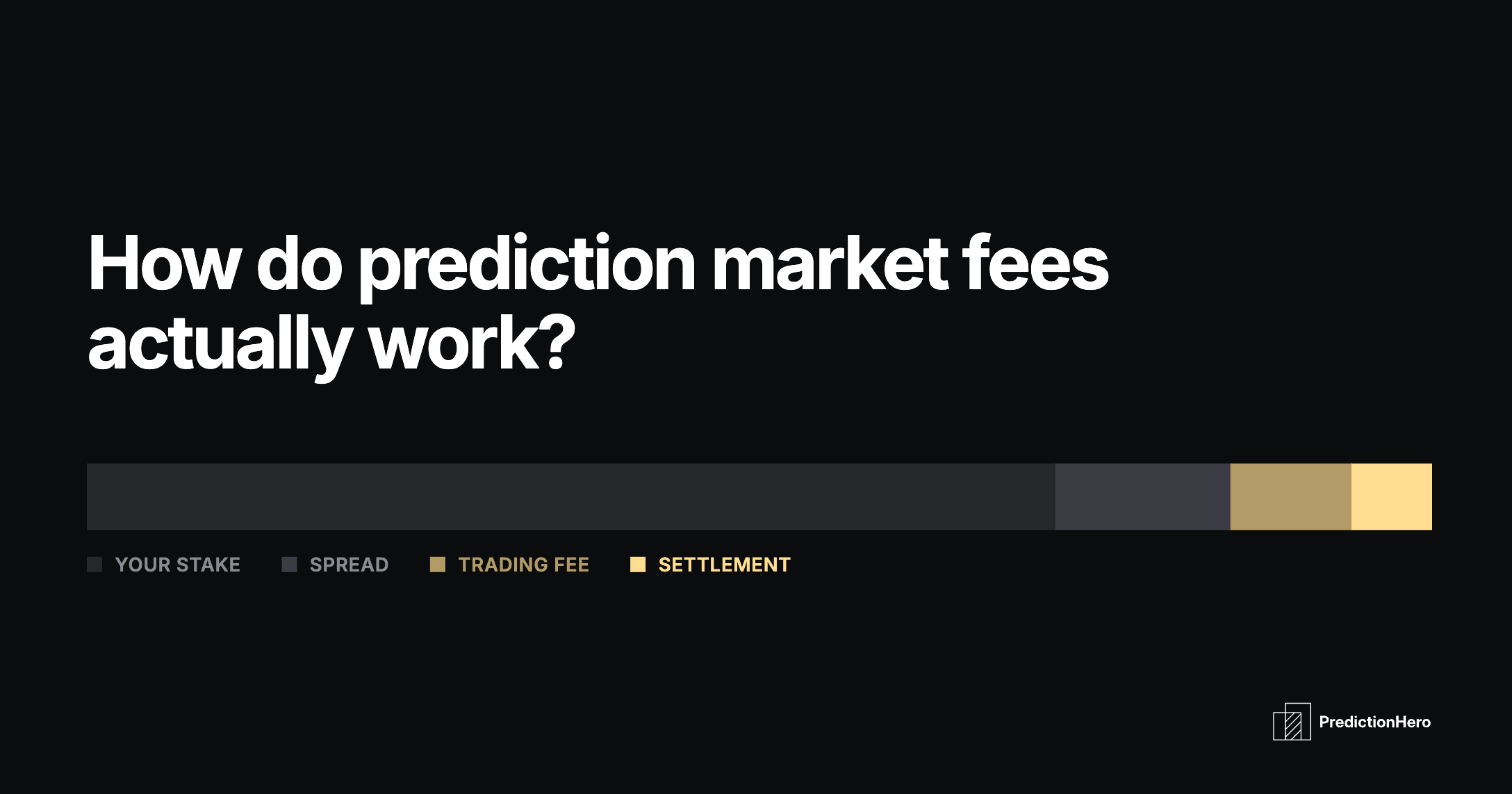
Kalshi Fees vs Polymarket Fees: How Prediction Market Fees Actually Work
Kalshi, Polymarket, Predict.Fun, and Opinion now all charge takers a fee that peaks on a 50-cent contract and fades toward the extremes.
Jared Polites · Aug 18